Alfa-Laval
Embedded System
Role
Lead UX Designer
Tools
Figma
Photoshop
After effects
Vizcom
Tasks
Concept Design
User Testing
Prototyping
Interaction Framework
Functional Mapping
Some Key
Context
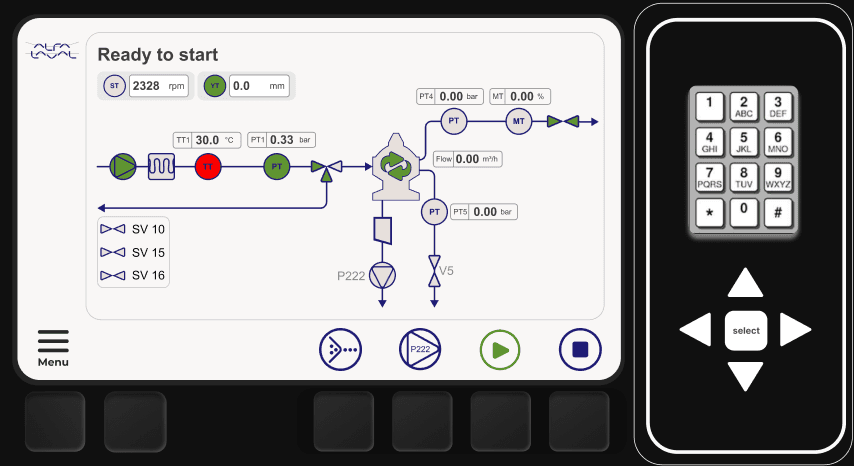
In fall 2024, Alfa Laval set out to replace an off-the-shelf DCS with a modern HMI, aiming for full ownership of their product in the oil refining industry. As UX Lead, I partnered with cross-disciplinary teams to study operator workflows, map interaction flows, and identify tasks best supported by physical controls for speed and precision.
The result was a streamlined, task-focused UI that improved operating performance by 30%, enabling faster navigation and easier access to critical functions delivered within tight time and cost constraints.
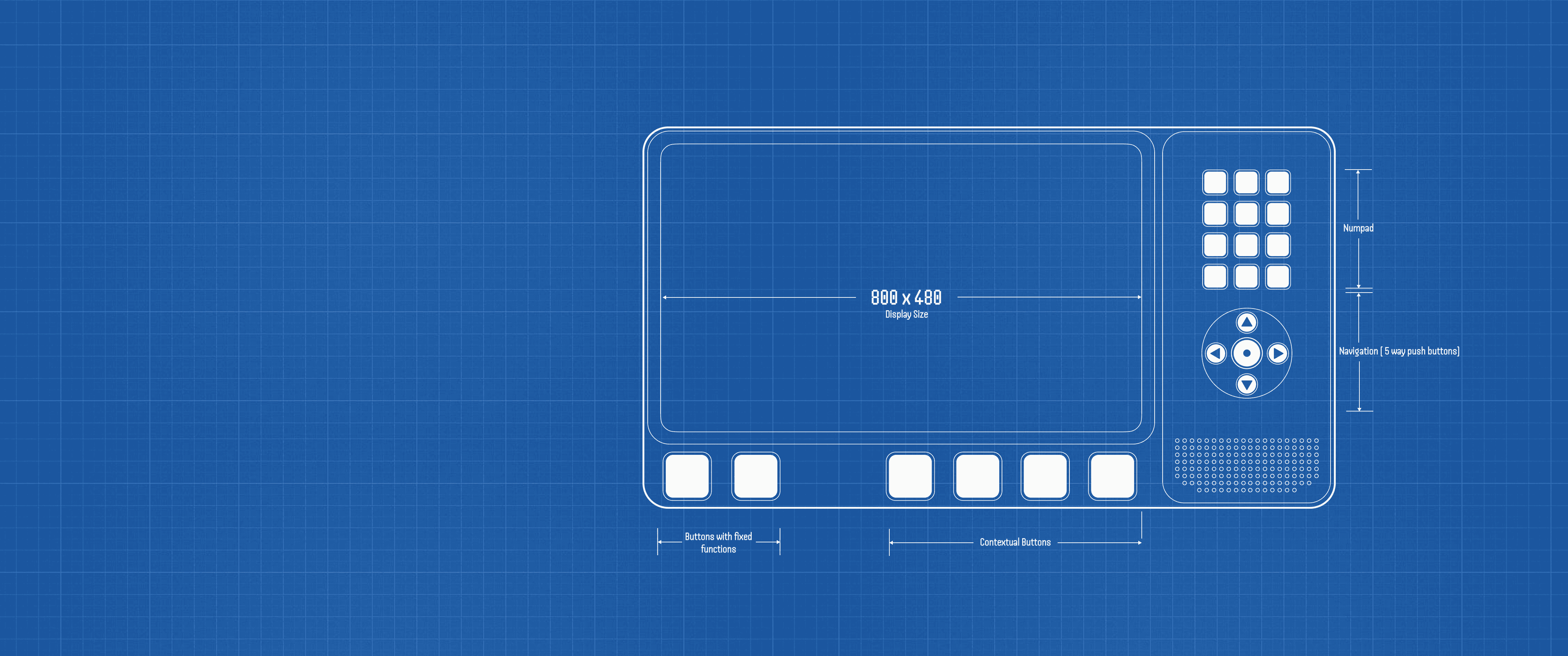
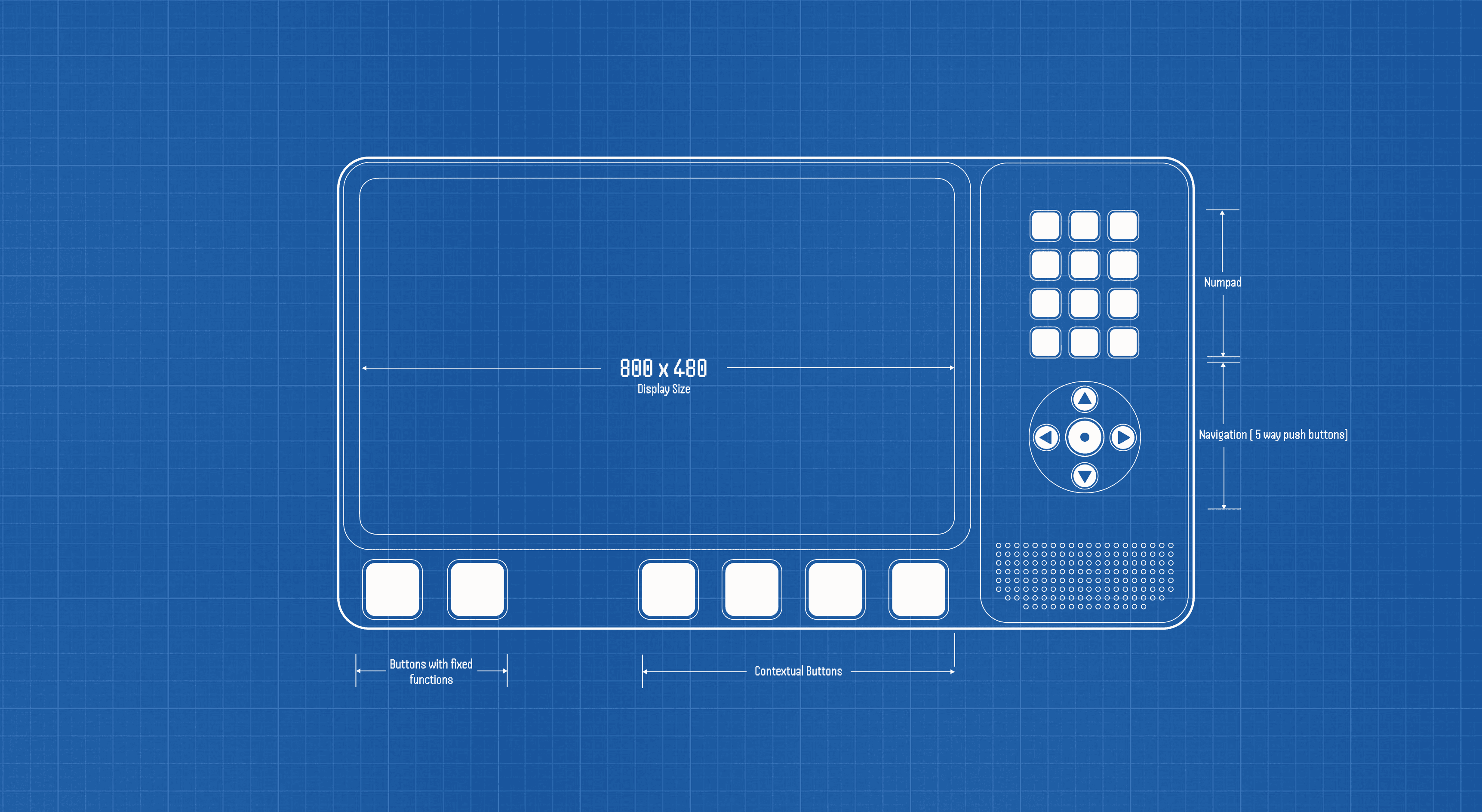
Need of Physical Interface
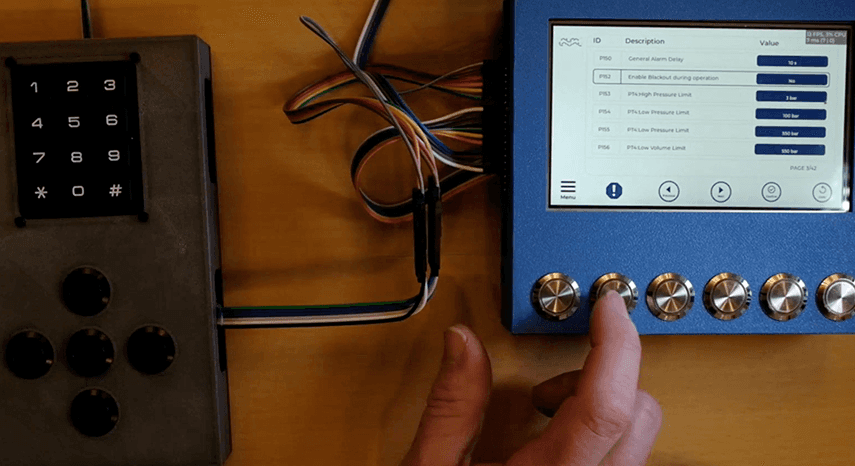
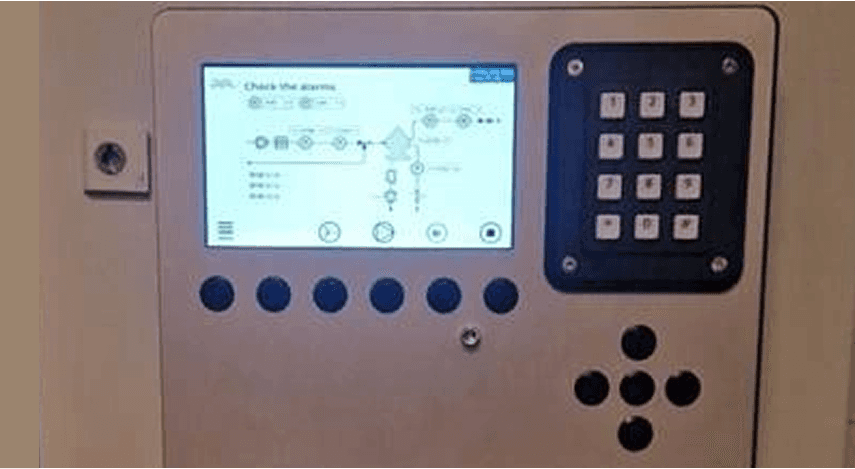
From our interviews, I learned that operators often interact with the system while wearing gloves or with greasy hands, making touch interaction challenging. Although the display is mainly used for monitoring, there are critical moments like adjusting pressure or volume, or managing emergencies when users need to quickly and reliably interact with the HMI to trigger or stop alarms.
Deconstructing the Digital UI
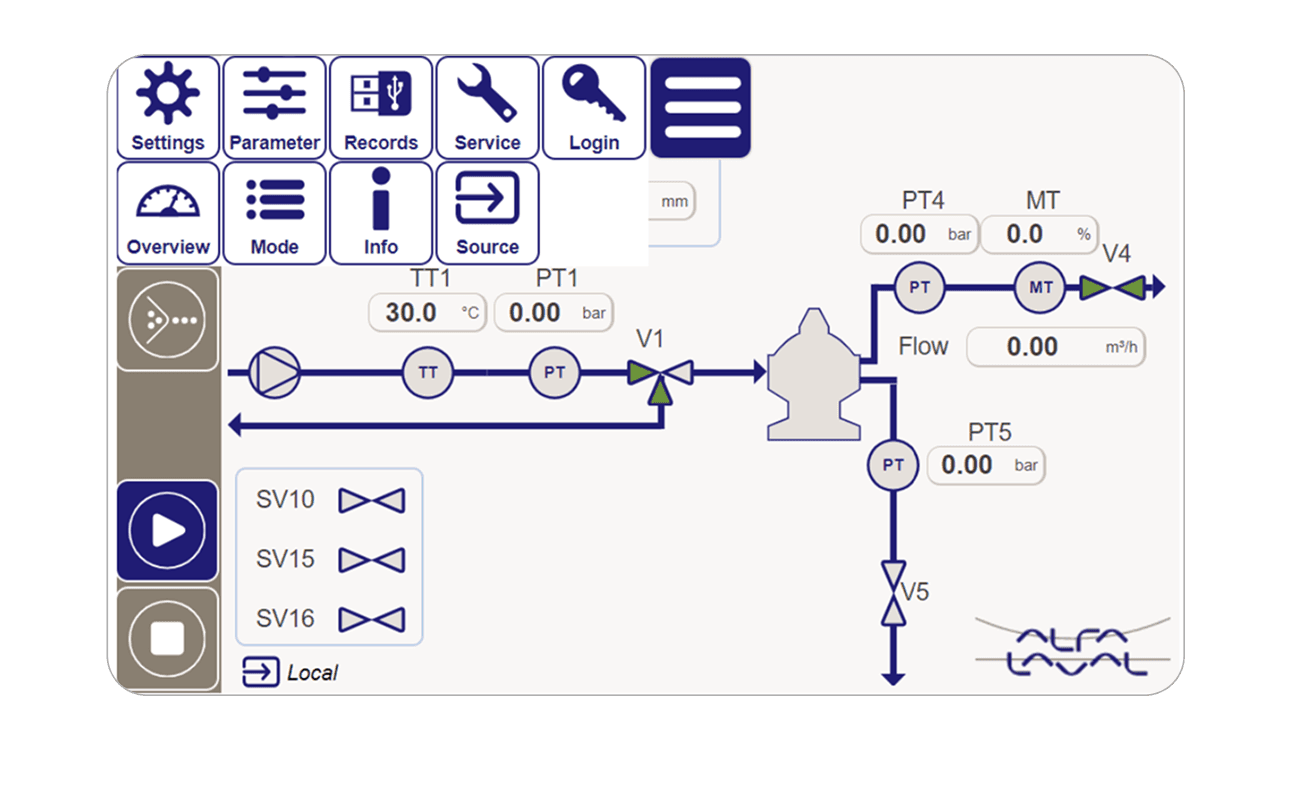
After the physical setup was finalized and the key functions approved, I turned my focus to the digital experience. I wanted to understand how the system supported users in real scenarios—not just how it looked. To get started, I sat down with my team and broke down the existing UI, carefully mapping out the user flows to identify friction points and opportunities.
Given the tight delivery timeline, we prioritized the following areas for improvement:
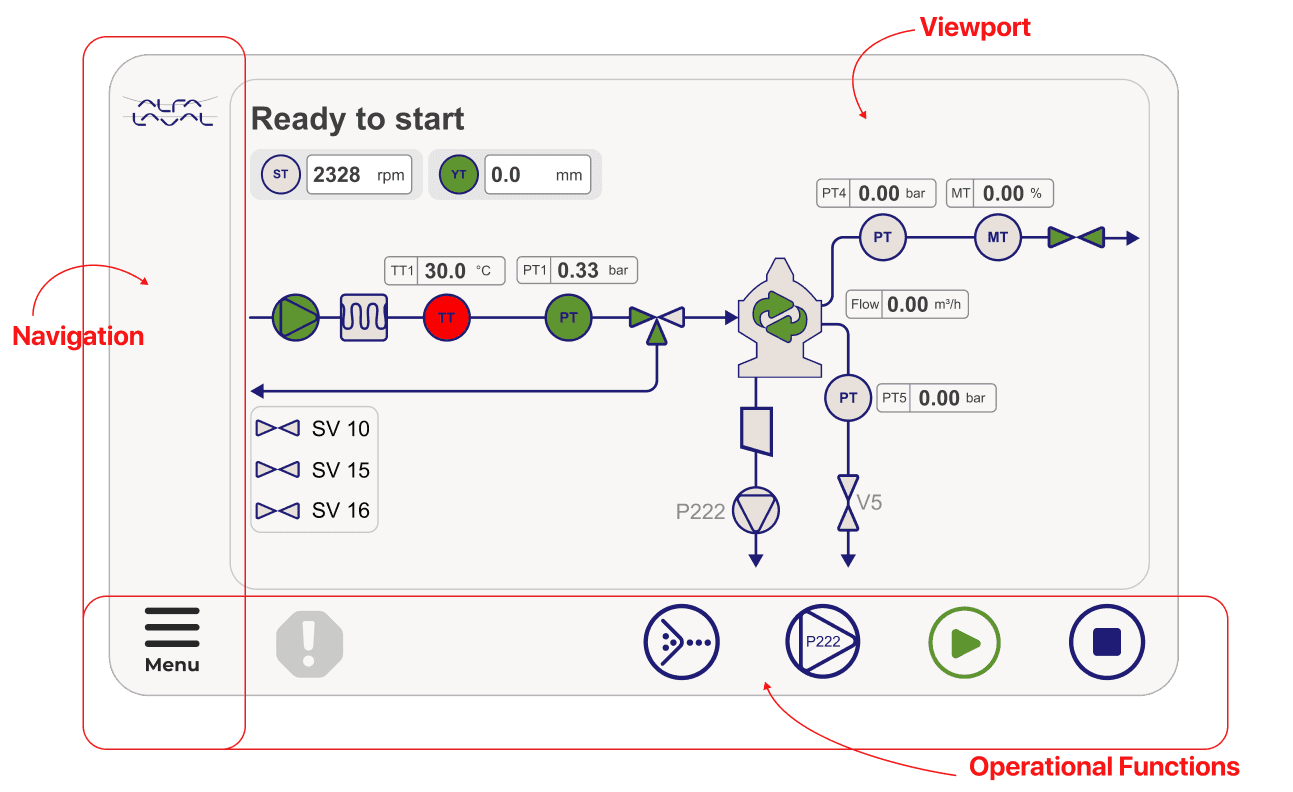
- Redesign the dashboard/home page to create a more intuitive starting point.
- Make the viewport easily accessible throughout the navigation journey.
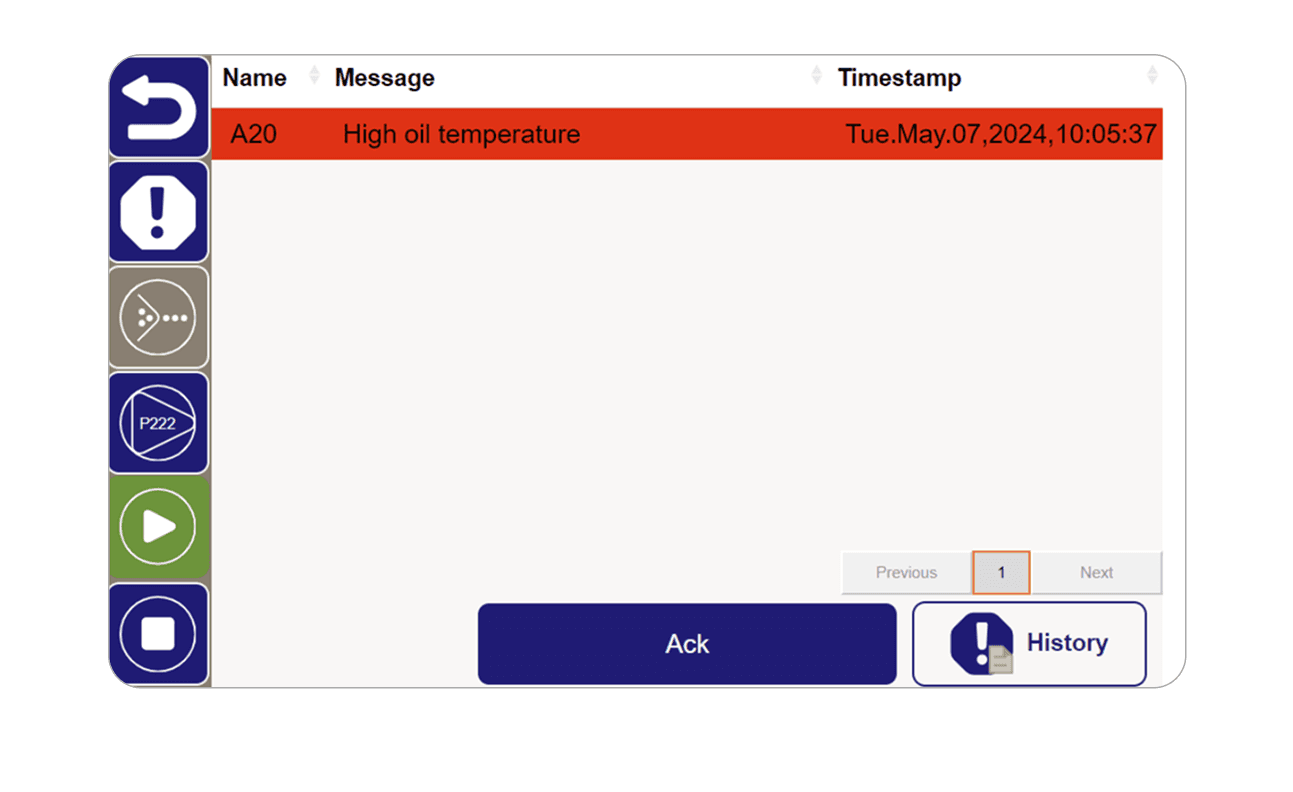
- Simplify the alarm and important functions to support quick action in high-pressure situations.
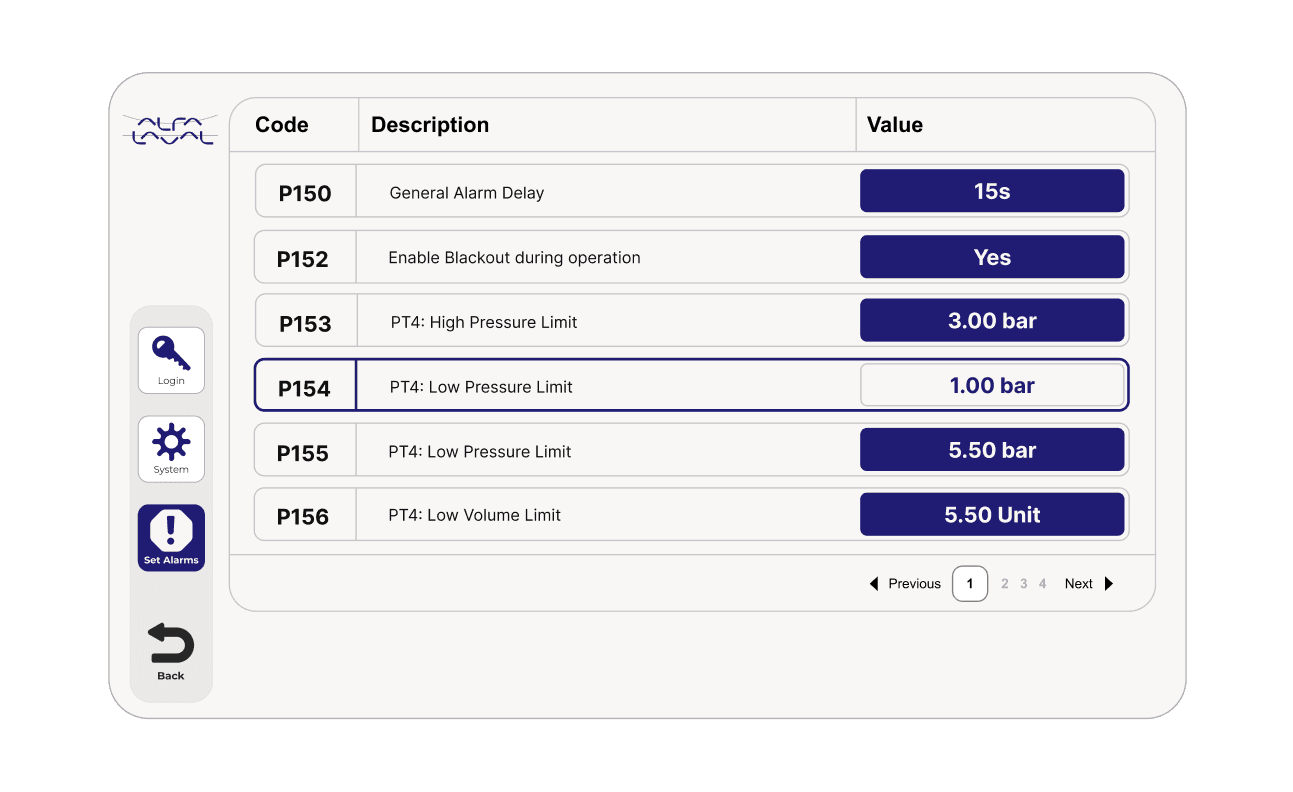
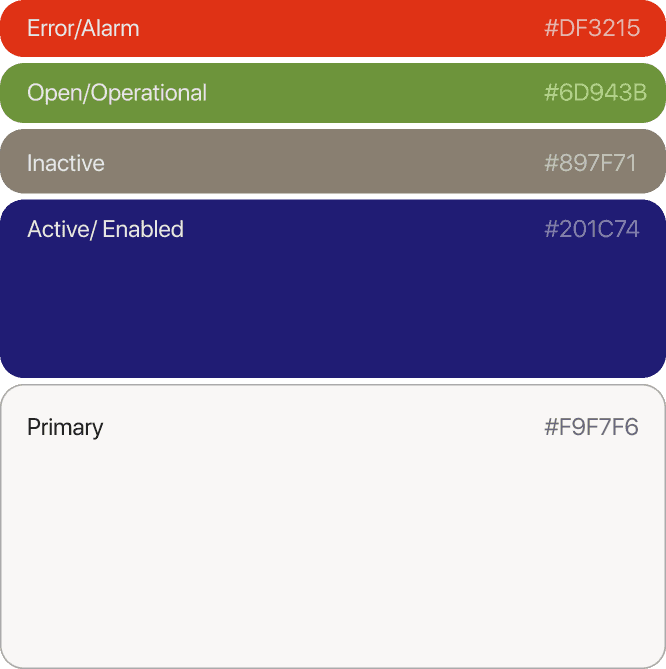
- Improve accessibility across the UI, refining components and color contrast for better usability.
Home page
Old UI
Updated UI
Active Alarm and log
Old UI
Updated UI
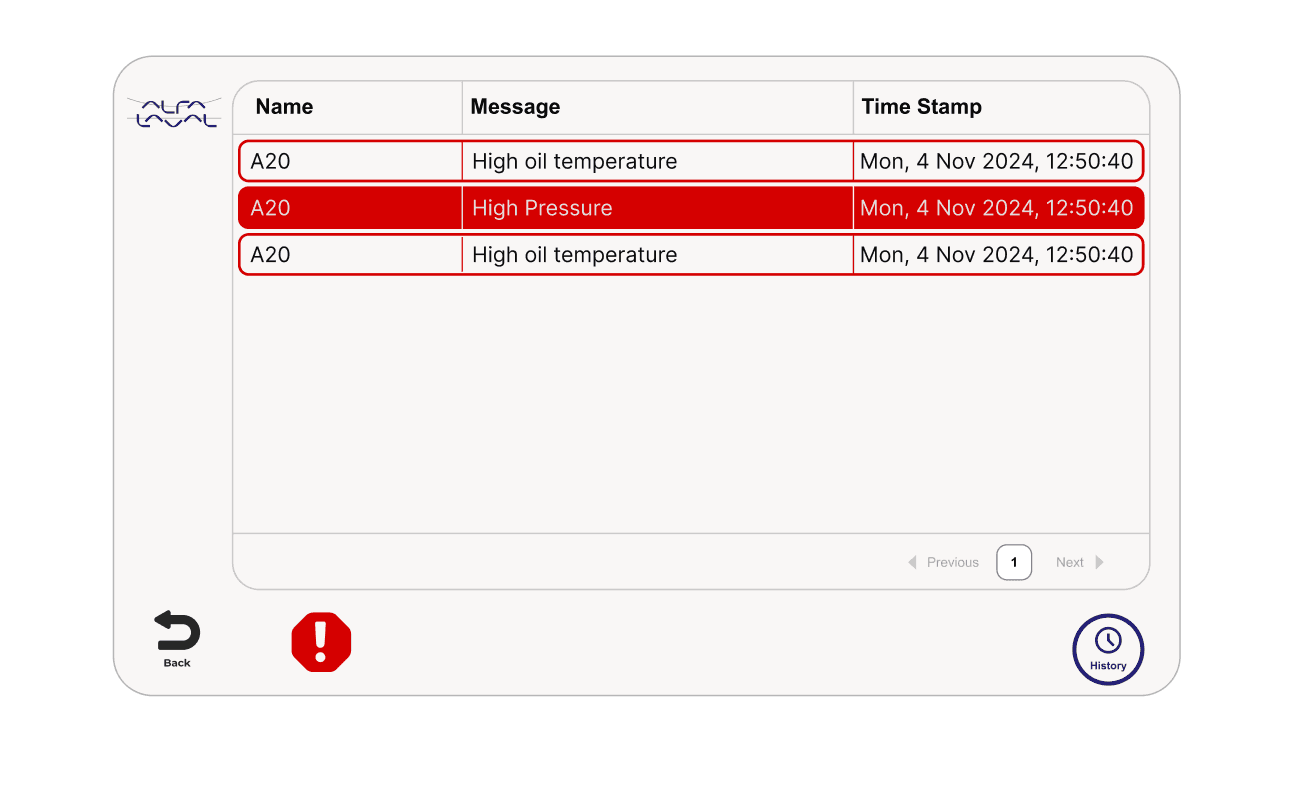
System Parameters and variable input
Old UI
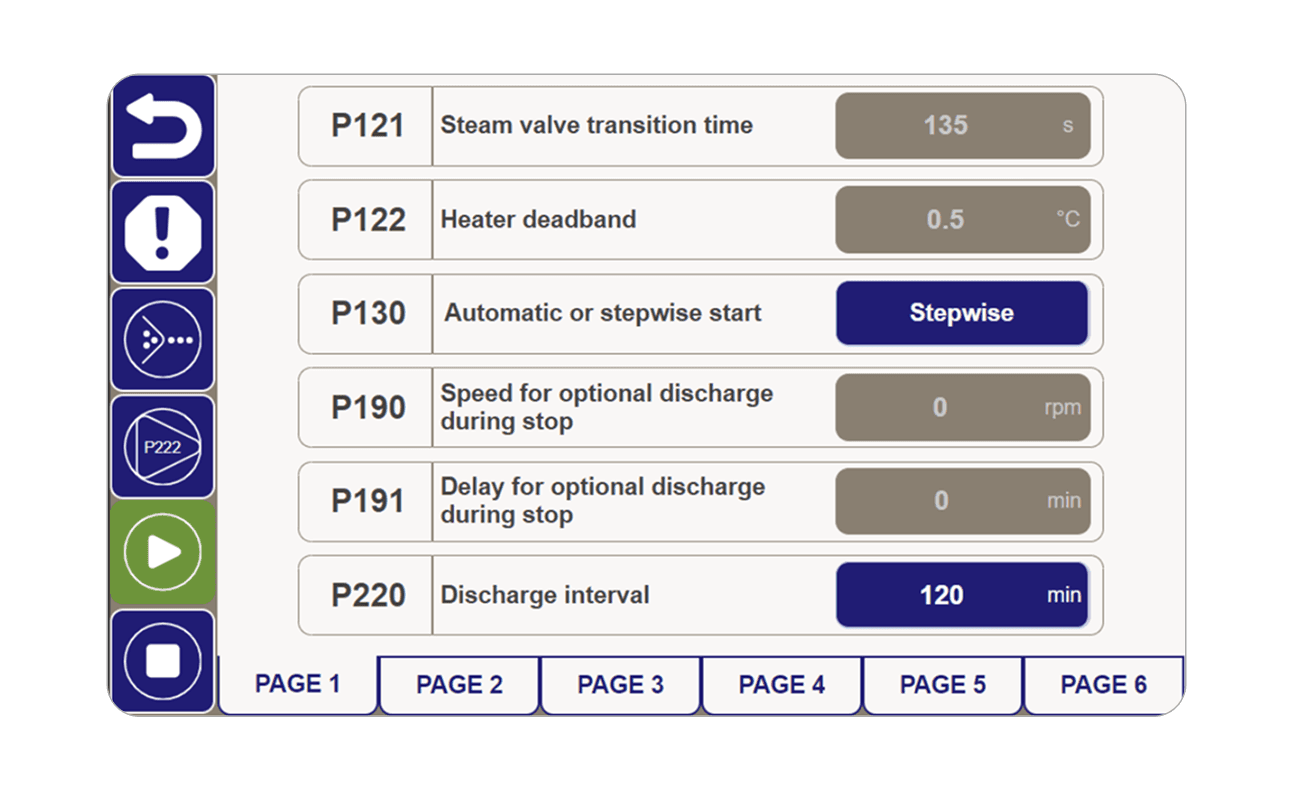
Updated UI
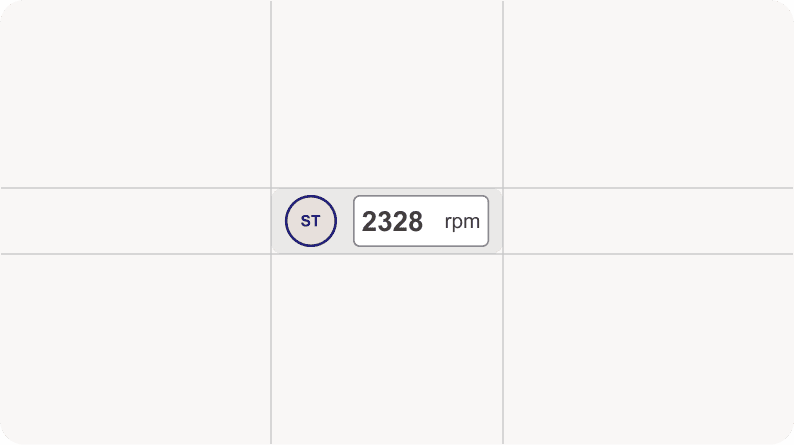
Updated UI components
Feedback and iterations
Design is an iterative process, and throughout development we continuously tested the system with operators, identifying areas that needed refinement. These feedback sessions ensured the solution evolved to be both efficient and aligned with user expectations.
In the third phase, we installed the system onsite for training and testing, giving operators the chance to gain hands-on experience with the new interface and build confidence in using it effectively.